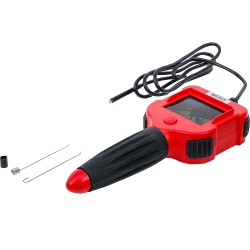
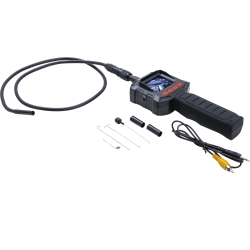
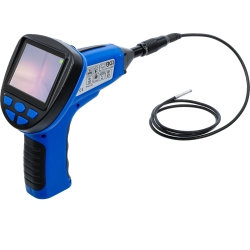
WiFi Color Endoscope with LED Illumination
-
Code:70333
-
Weight:1.675 Kgs
Overview:
✔ Professional WiFi color endoscope for inspection of hard-to-reach areas
✔ Suitable for automotive, aviation, household, workshop and industrial applications
✔ Wireless live image transmission directly to Android and iOS devices
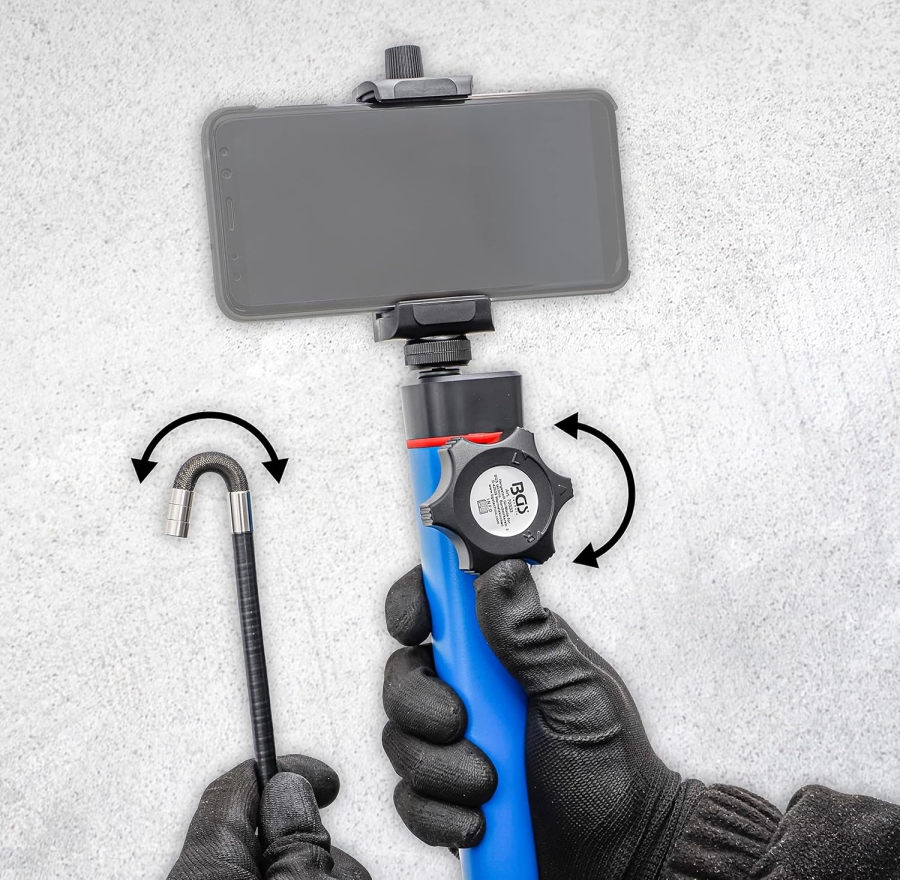
✔ Semi-rigid camera probe with continuously adjustable ±180° articulation
✔ Integrated LED illumination for improved visibility
✔ Portable battery-powered design with built-in rechargeable battery
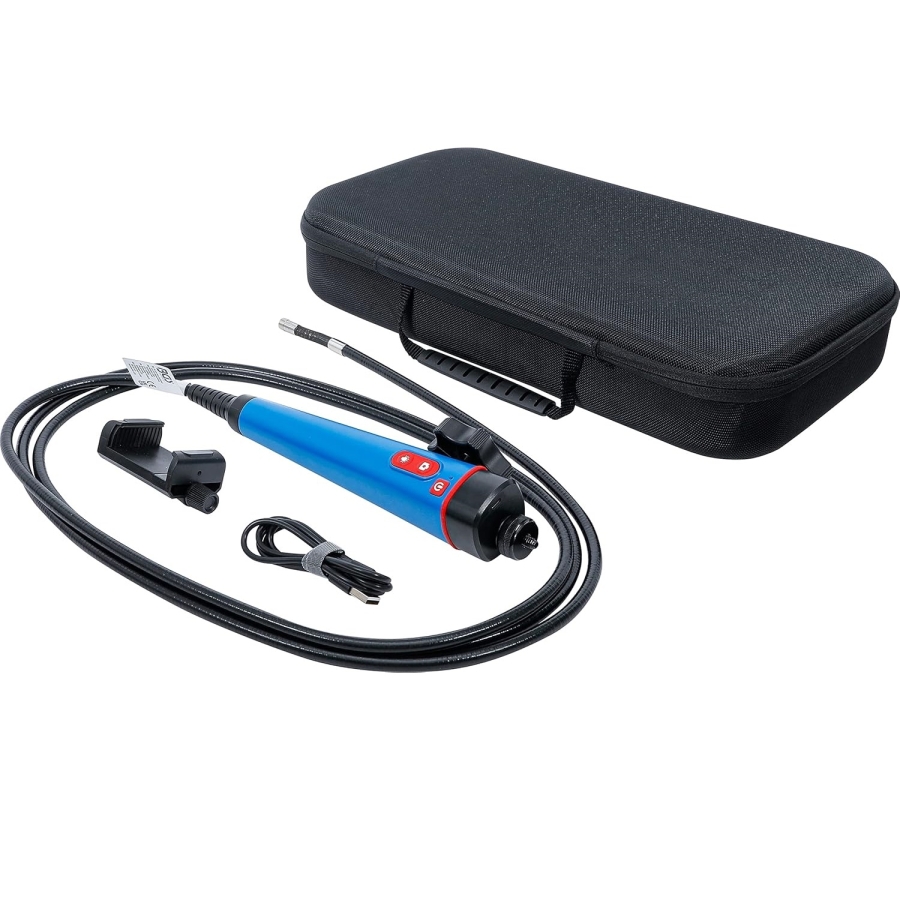
✔ Includes smartphone holder and charging cable
✔ Suitable for professional workshop and inspection applications


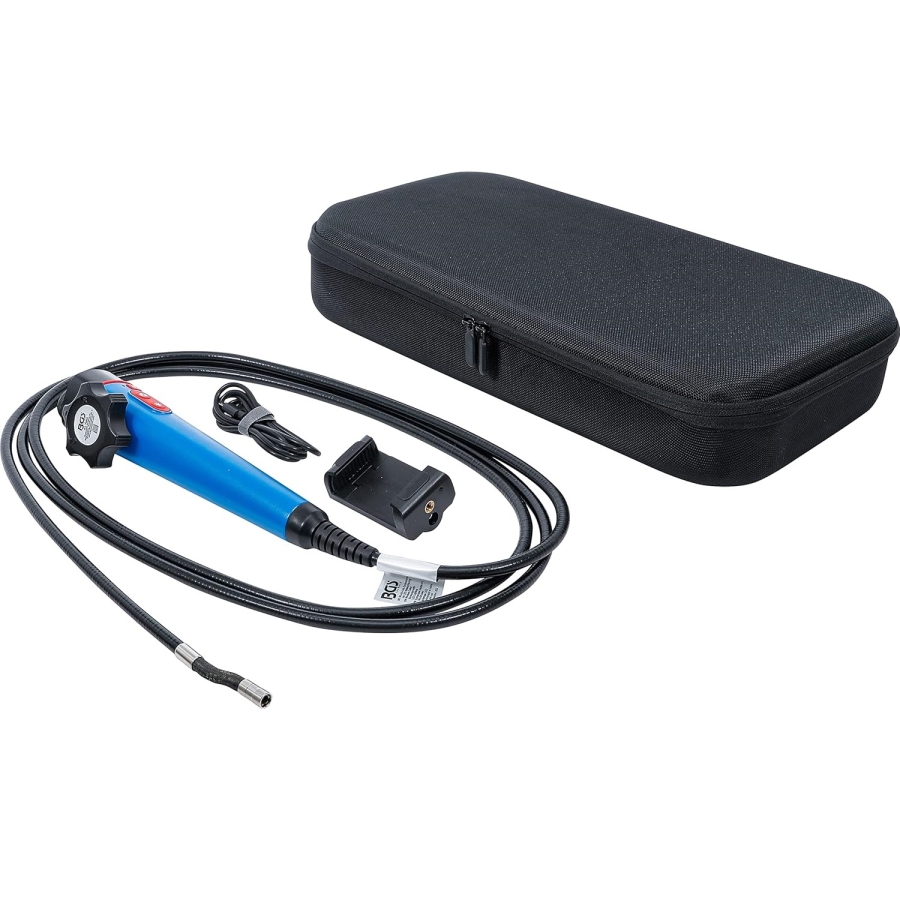
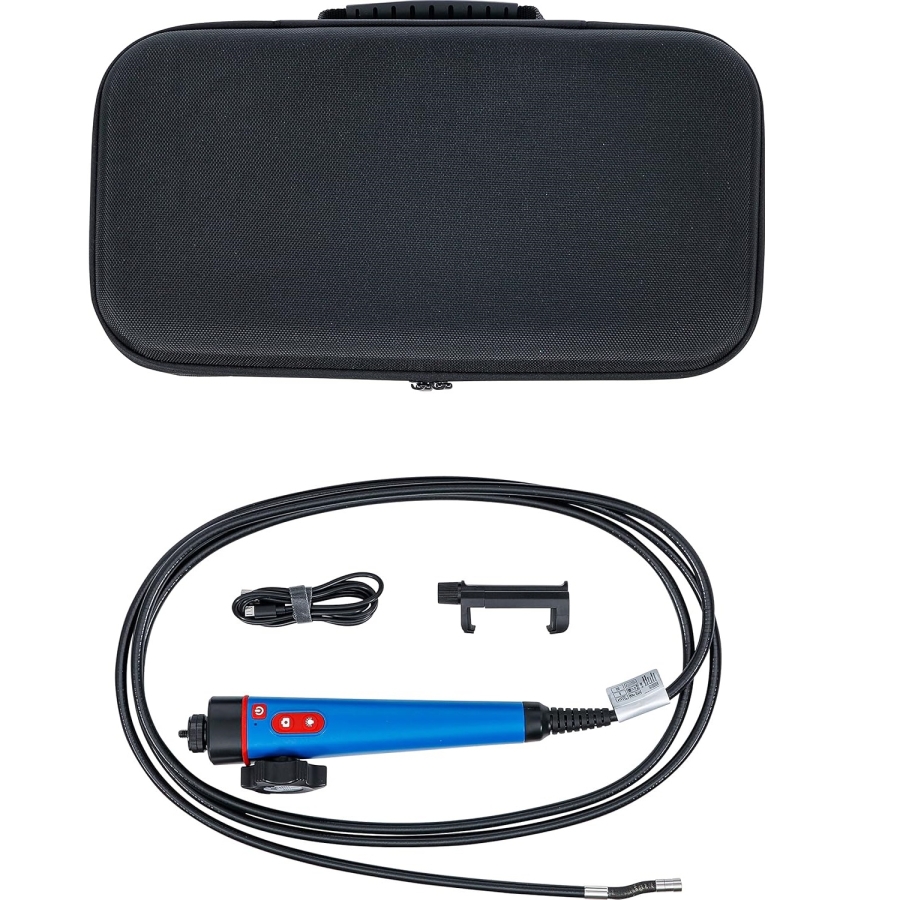
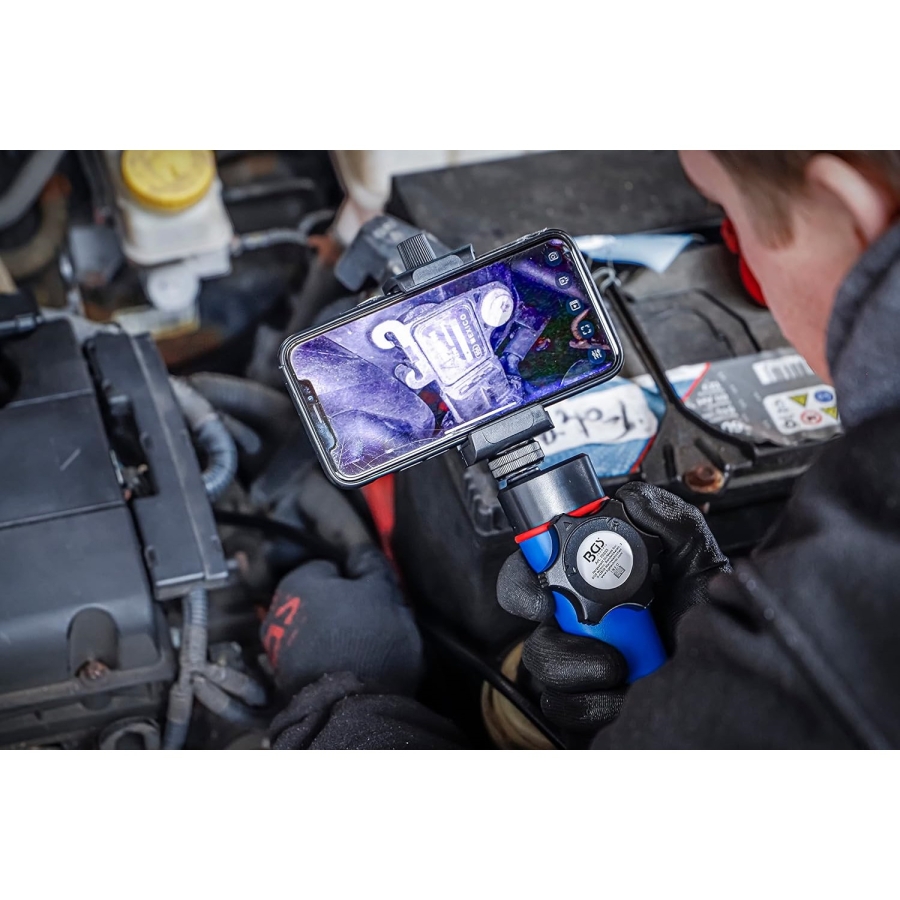
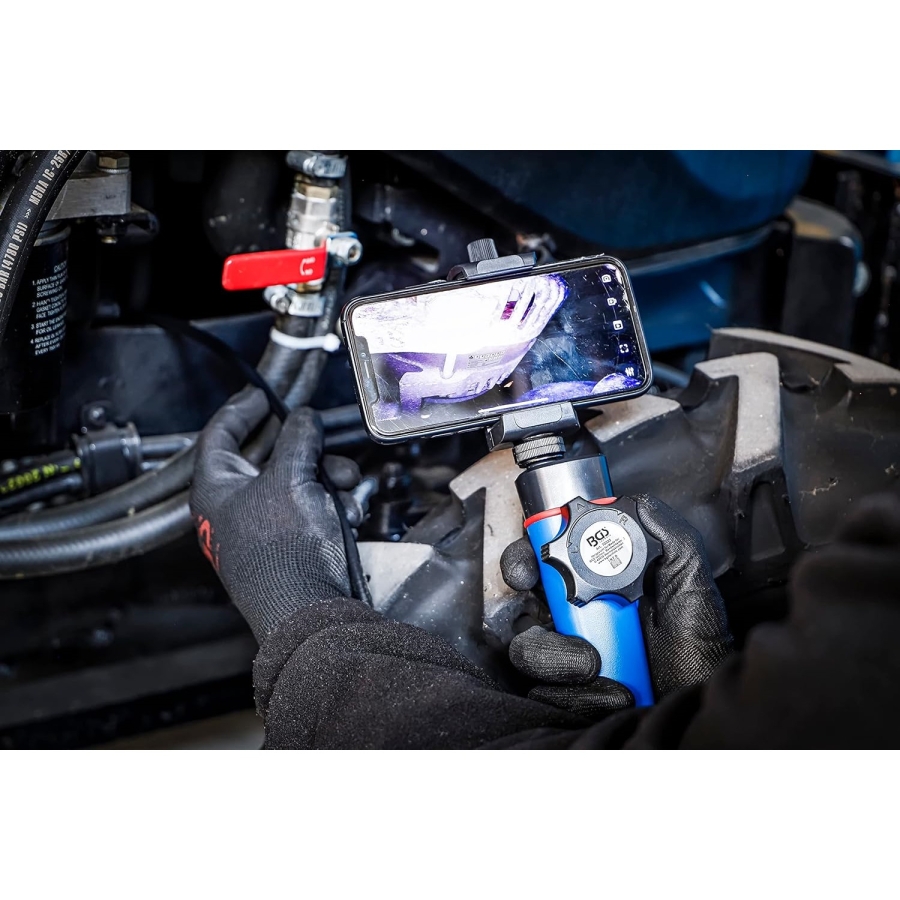
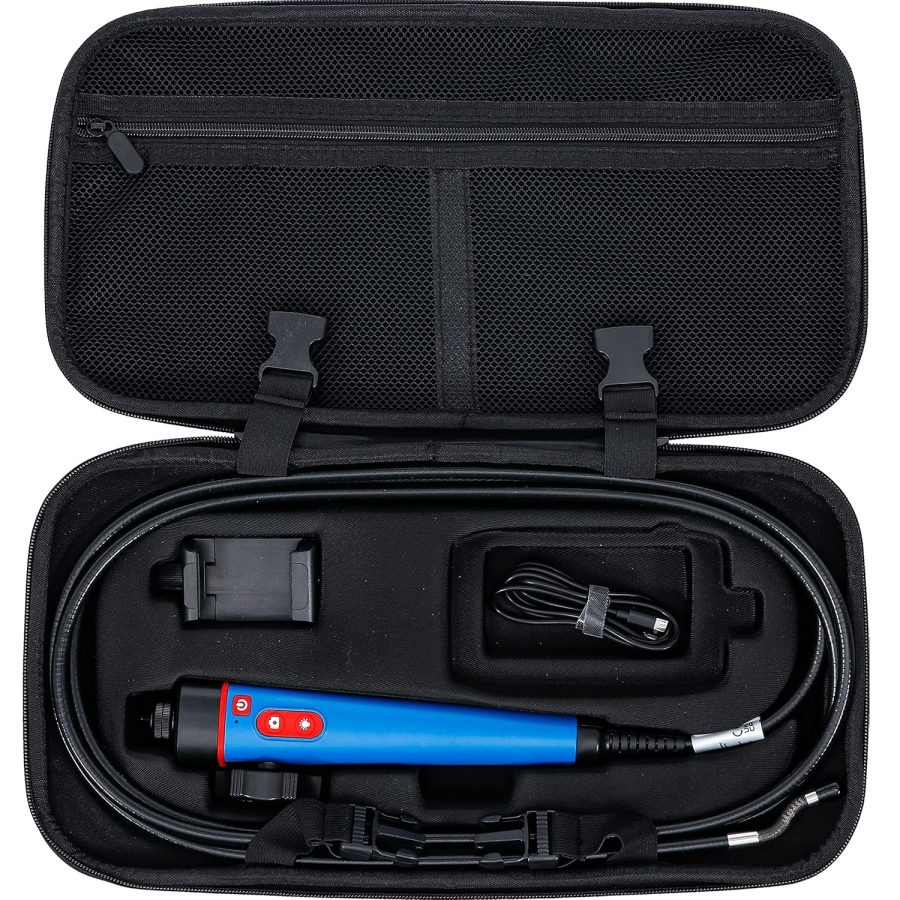
This WiFi color endoscope is designed for inspection of hard-to-reach areas in automotive, aviation, household, workshop and industrial environments.
The portable self-contained system transmits live images wirelessly via WiFi directly to compatible Android and iOS mobile devices, eliminating the need for external monitors or wired connections.
The semi-rigid camera probe features continuously adjustable articulation with a movement range of up to ±180°, allowing flexible navigation around obstacles and inside confined spaces. Integrated LED illumination improves visibility in dark inspection areas.
The compact battery-powered design with built-in rechargeable battery allows mobile operation independent of external power sources.
Suitable for professional workshop diagnostics, maintenance and industrial inspection tasks.
Technical Specifications
Camera Specifications
- Camera diameter: 8 mm
- Camera resolution: 1280 × 720 pixels
- Camera articulation angle: max. ±180°
- Viewing angle: 60°
- Focal distance: 30–80 mm
- Protection class: IP67
Recording Specifications
- Frame rate: 30 fps
- Video format: AVI
- Image format: JPG
Dimensions
- Probe length: 90 cm
- Total length: approx. 125 cm
Battery
- Polymer battery: 1800 mAh
Operating Temperature
- -20°C to +60°C
Set Contents
Included Components
- WiFi color endoscope
- Smartphone holder
- USB-A / Micro-USB charging cable
- Camera lens cleaning cloth
Applications
- Automotive inspections
- Aircraft inspections
- Workshop diagnostics
- Household inspections
- Industrial inspections
- Inspection of hard-to-access areas
Technical Features
- Wireless WiFi live image transmission
- Compatible with Android and iOS devices
- Semi-rigid articulated camera probe
- Integrated LED illumination
- Portable rechargeable system
- IP67 protected camera head
- Suitable for professional inspection applications
Smartphone Holder
- Mount the holder onto the threaded stud at the end of the endoscope and secure it using the lock nut.
- Turn the adjustment screw counterclockwise to adjust the holder according to the width of the smartphone.
- Place the smartphone into the holder. Ensure that the plastic clamps extend over the edges of the smartphone display to hold it securely.
- Turn the adjustment screw clockwise to lock the smartphone in place.
Operation


- Scan one of the QR codes corresponding to your smartphone operating system and install the "Mo-View" application from the Apple App Store or Google Play Store before proceeding.
- Press and hold the Power button for approximately 2 seconds to switch on the endoscope.
- The green status indicator will illuminate and the Wi-Fi signal will begin transmitting after approximately 8 seconds.
- Open the Wi-Fi settings on your smartphone and connect to the signal named "PLX_****"**. No password is required.
- Open the Mo-View application. The camera image will be displayed automatically.
- The brightness of the LED lighting on the camera head can be adjusted according to the surrounding environment using the brightness control button. Each press reduces the brightness by one level. After pressing the button five times, the LED illumination will switch off completely.
- Use the capture button to save photos or videos directly to your smartphone:
• Press the capture button briefly to save a photo.
• Press and hold the capture button to start video recording.
• Press the capture button again to stop the recording.
- Recorded photos and videos can be viewed in the application library/gallery.
Maintenance / Care
- This endoscope is maintenance-free.
- Before first use, ensure that the internal battery is fully charged.
- Fully recharge the battery if the endoscope will not be used for an extended period.
- Do not store the endoscope for long periods with a discharged battery.
- Clean the endoscope only with a soft, dry cloth.
- Never use aggressive liquids such as acids, paint thinners, brake cleaners, fuels, or similar chemicals.