Digital Pressure and Compression Diagnostic Tester with Wi-Fi Updates
-
Code:63410
-
Weight:1.266 Kgs
Overview:
✔ Modular multifunction tester for professional vehicle diagnostics
✔ Measures pressure, compression and leakage parameters with compatible accessories
✔ Expandable for fuel, Common Rail, AdBlue, cooling, brake and DPF diagnostics
✔ Stores measurement data for evaluation and documentation
✔ Clear digital display with backlighting
✔ Wi-Fi updates enable support for future accessories and functions
✔ Manufactured in Europe according to European quality and accuracy standards

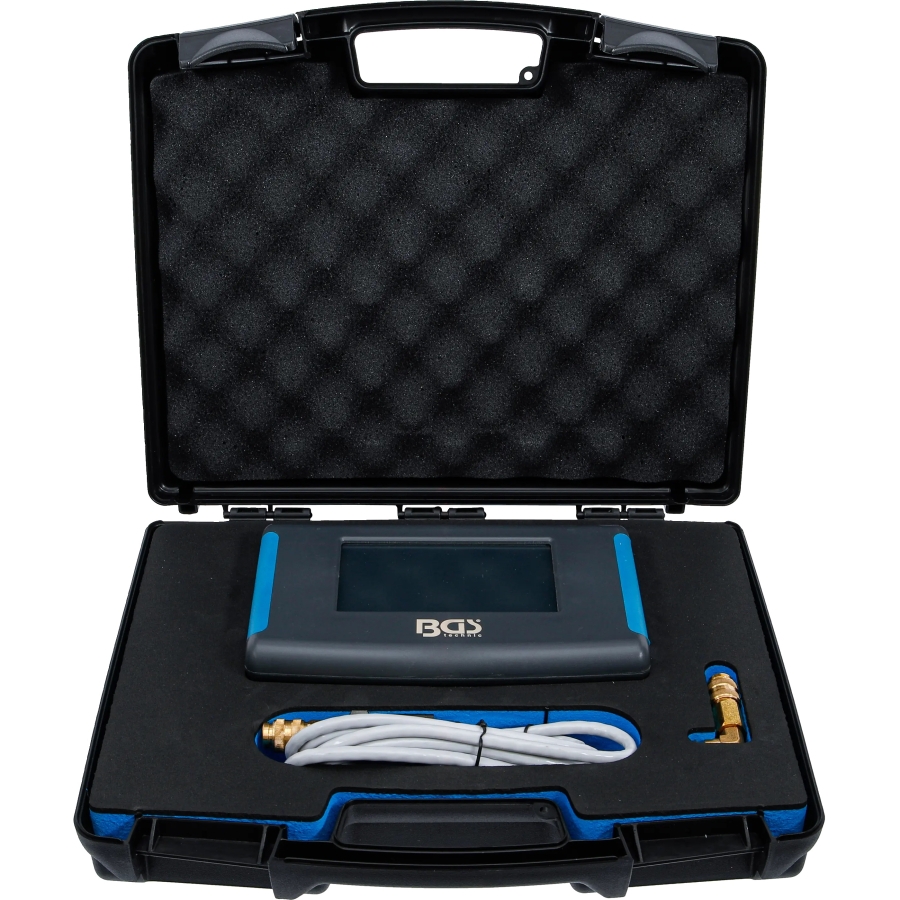
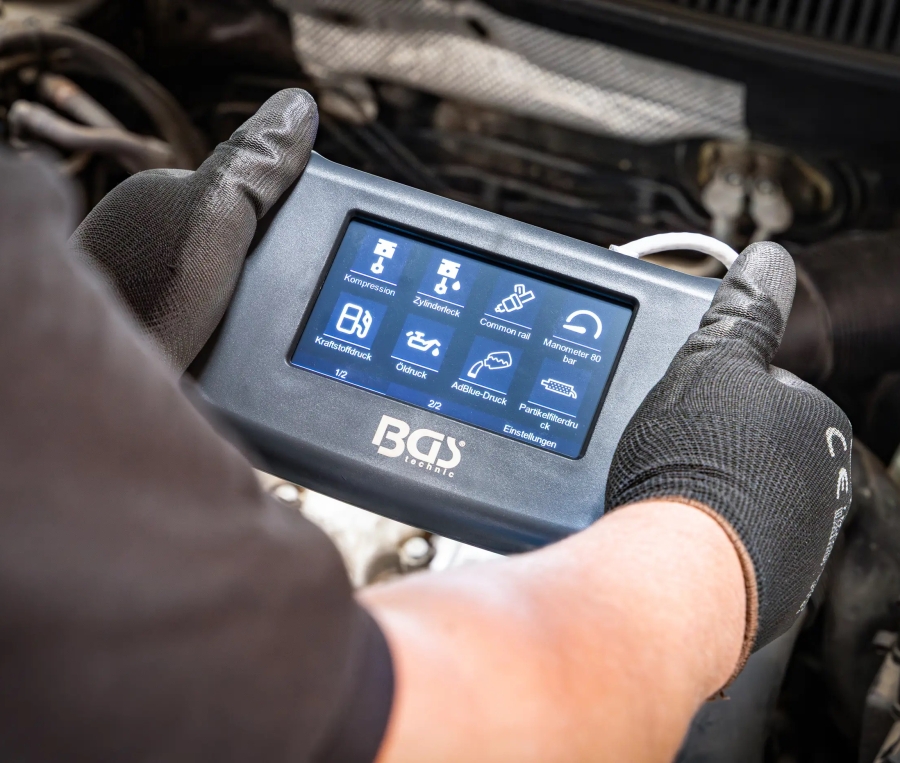
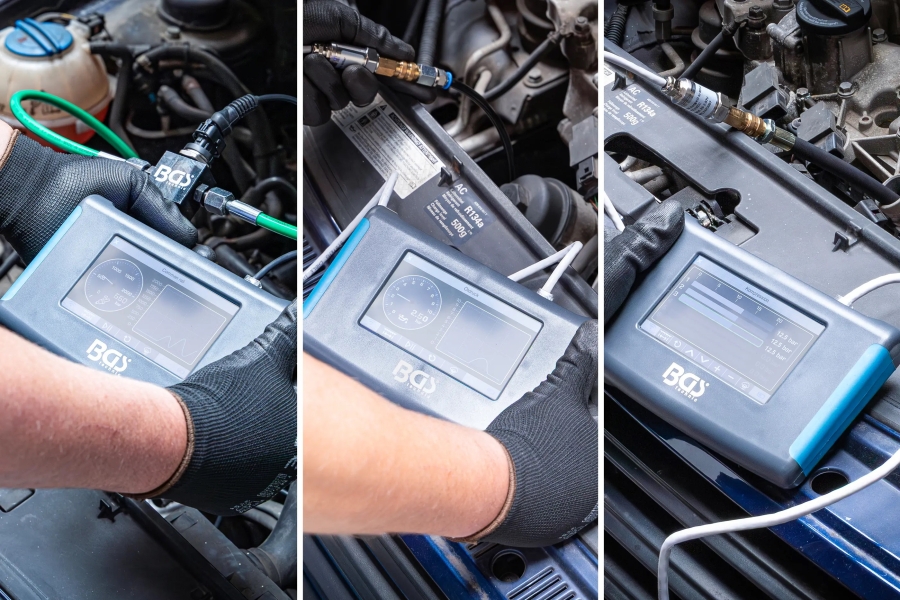
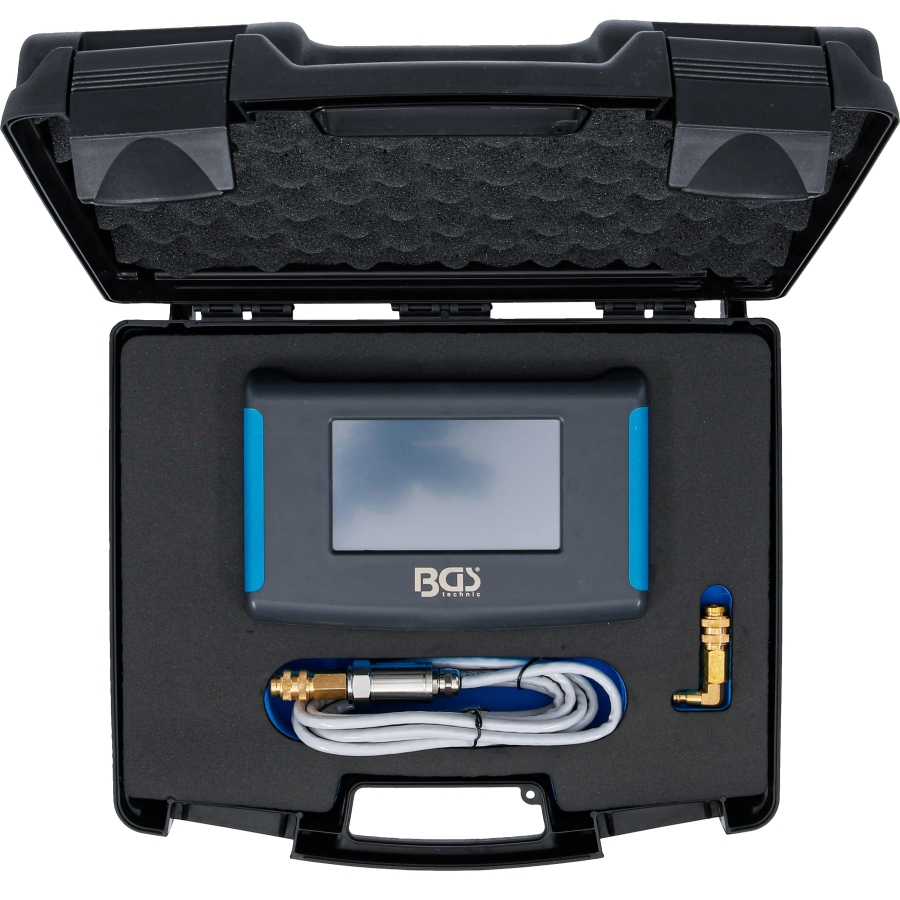
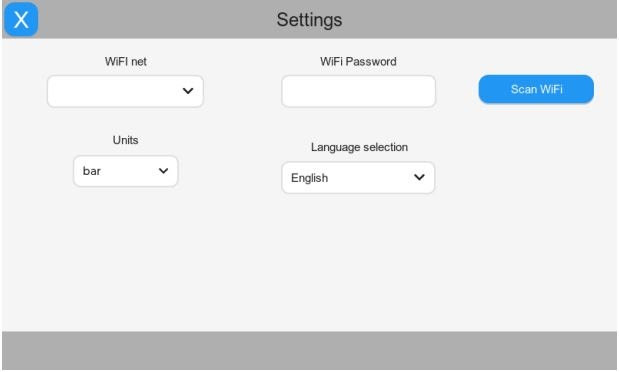
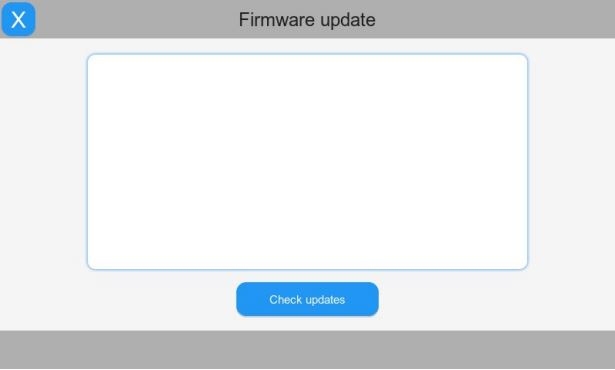
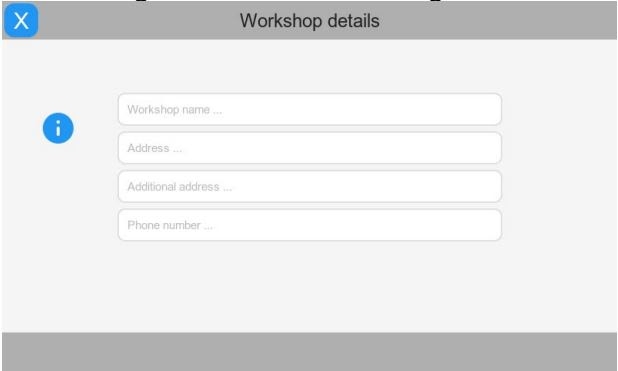
This digital pressure and compression tester is the main control and display unit of an expandable vehicle diagnostic system. When combined with the appropriate optional accessories, it can measure and evaluate numerous vehicle parameters accurately and conveniently.
Its modular design allows workshops to begin with the main tester and add application-specific diagnostic kits according to their requirements. This makes it suitable for daily professional use and for diagnosing a wide range of vehicles and systems.
Core Diagnostic Functions
Depending on the connected accessory or expansion kit, the tester can be used for:
- Compression measurement
- Fuel-pressure measurement
- Cooling-system pressure and leakage testing
- Common Rail high-pressure testing
- AdBlue system testing
- Cylinder leakage testing
- Brake-pressure measurement
- Diesel particulate filter efficiency testing
- Additional pressure- and leakage-based vehicle diagnostics
The available functions depend on the connected accessories and compatible software. Application-specific adapters and sensors are available separately.
Expandable Diagnostic System
The tester is designed as the central unit for a wide range of optional diagnostic kits. Individual accessories allow the system to be adapted to different vehicle systems without requiring a separate display and evaluation device for every application.
Future accessories and measurement functions can be supported through software updates via Wi-Fi as they become available.
Display and Data Management
The backlit digital display provides clear measurement readings during workshop use. Measurement data can be stored directly on the device and transferred through the USB interface for further evaluation or documentation.
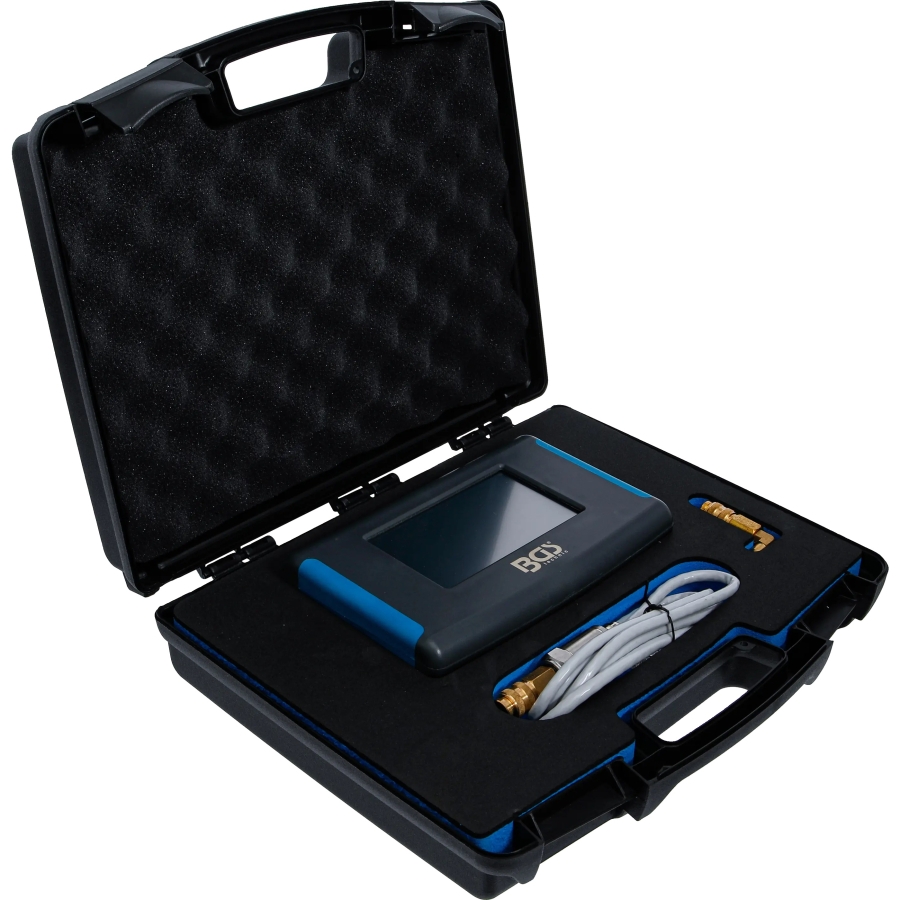
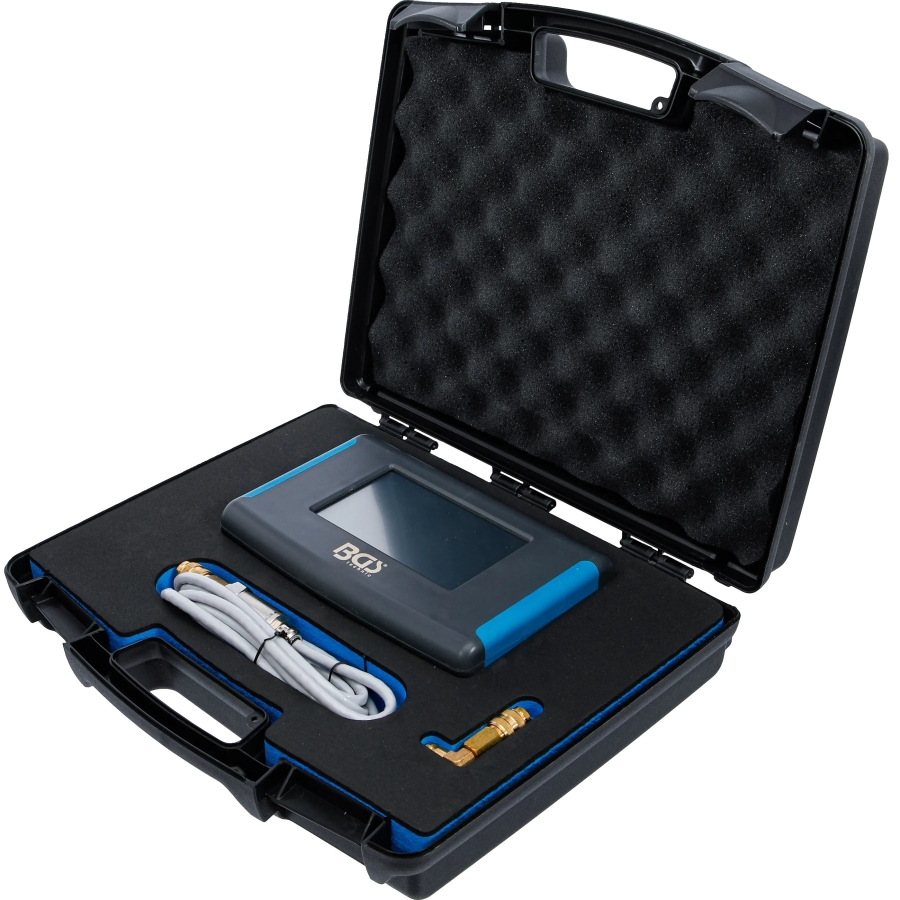
The tester is supplied in a robust plastic case with a fitted foam insert for protected and organised storage.
Connectivity and Updates
- Wi-Fi connectivity for software and function updates
- Operating frequency: 2.4 GHz
- USB interface for measurement-data transfer
- USB-C charging input
- Support for compatible future accessories through updates
Technical Specifications
Display resolution: 480 × 272 pixels
Display: digital, backlit
Measurement-data storage: integrated
Data interface: USB
Charging input: USB-C
Wireless operating frequency: 2.4 GHz
Battery type: lithium-polymer
Nominal battery capacity: 1300 mAh
Storage: robust plastic case with fitted foam insert
Manufacturing: made in Europe
Applications & Functions
The digital pressure and compression tester is the central control and display unit of an expandable diagnostic system. Compatible sensors, adapters and expansion kits allow the tester to be used for different measurements on a wide range of vehicle systems.
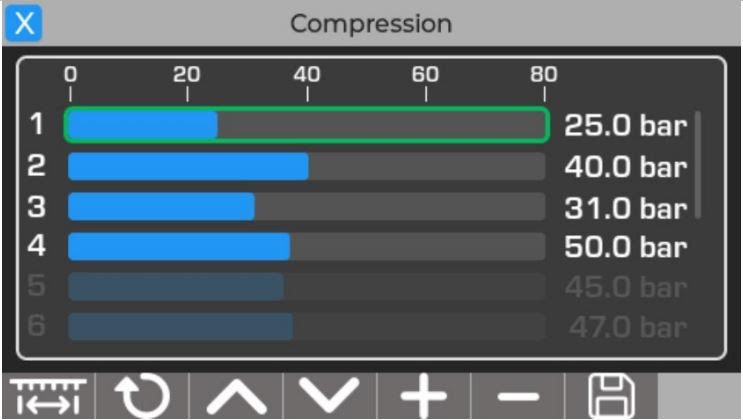
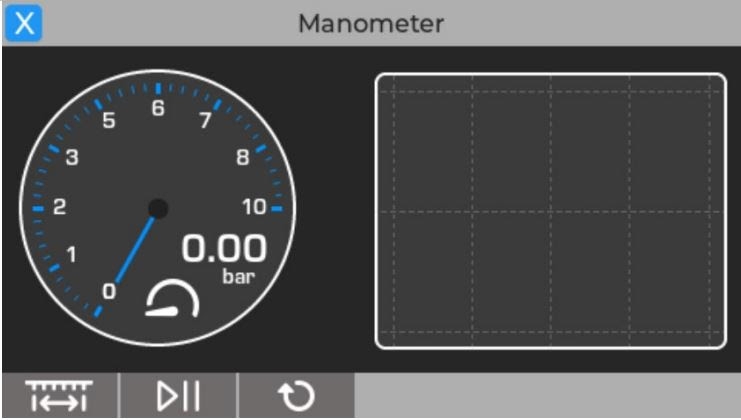
The selected diagnostic program determines how the measured data is displayed. Depending on the function, values may appear as a digital gauge, graph or bar display.
Expandable Vehicle Diagnostics
With the appropriate expansion kits, the tester can be configured for numerous workshop measurements, including:
- Engine compression measurement
- Fuel-pressure diagnosis
- Common Rail high-pressure testing
- AdBlue system pressure testing
- Cooling-system pressure and leakage testing
- Cylinder leakage testing
- Brake-pressure measurement
- Diesel particulate filter efficiency testing
- Additional pressure- and leakage-based diagnostics
Important Operating Notes
Resistive Touchscreen
The resistive touchscreen reacts to pressure and therefore requires a deliberate press to register an input. It can be operated with a finger or with a blunt stylus designed specifically for resistive screens.
Intelligent Battery Charging
Connect the tester by USB cable to a computer USB port or a suitable USB charger. The charging indicator illuminates during charging and switches off automatically when the charging cycle is complete.
The tester can remain connected to the charger. If the battery level falls, the charging cycle starts again automatically.
Initial Setup and First Start
Before using the tester for the first time, configure the basic settings and download the latest firmware.
Switch on the tester
Press and hold the power button until the blue indicator illuminates. The welcome screen will then appear.
Select the language
Choose the required language on the first setup screen and press Next.
Enter workshop details and units
Enter or edit the workshop information and select the required pressure unit, such as bar or psi. Press Next to continue.
Connect to a 2.4 GHz Wi-Fi network
Press Scan Wi-Fi and wait until the tester has found the available networks. Select the preferred 2.4 GHz network from the list.
Enter the Wi-Fi password. The password is hidden for privacy; press the eye symbol if it needs to be displayed. Then press Connect.
If the connection is successful, the Update button becomes available. Otherwise, verify the network name and password and try again.
Download the firmware
Press Update. After a few seconds, the tester restarts, connects to the internet and downloads the latest firmware. The power indicator flashes while the download is in progress.
Complete the setup
Once the update has finished, the tester restarts and is ready for use. The complete download and update process takes approximately one minute.
Normal Operation
Press the power button until the blue indicator illuminates.
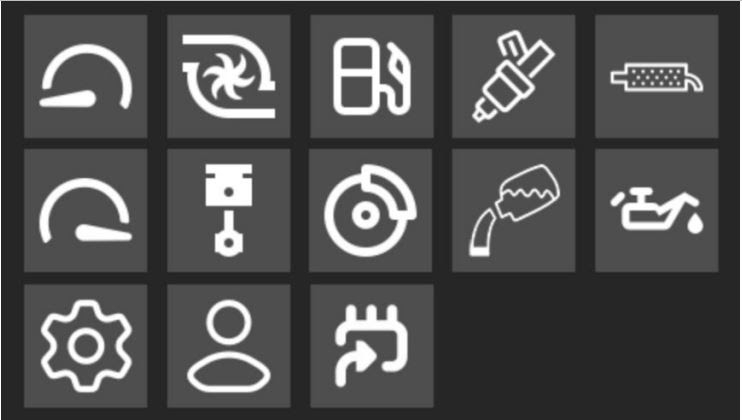
When the main menu appears, select the required function by pressing the corresponding symbol.
Make sure the correct compatible sensor is connected so that the program can identify it properly.
Follow the measurement screen for the selected function. Depending on the diagnostic program, the results may be displayed as a gauge, graph or bar display.
Menus and Display Functions
Main Menu
Provides access to the available measurement programs, settings, workshop information and firmware-update functions. The available programs may depend on the installed firmware.
Compression Diagnostics
Opens the compression measurement program for use with the compatible compression sensor and adapter kit. The measurement display is adapted to the selected diagnostic function.
Digital Manometer
Used for pressure measurements with the appropriate compatible sensor and application-specific adapter kit. Measurement values are shown directly on the tester display.
Settings
Allows the language, pressure unit such as bar or psi, and other general device settings to be adjusted.
Firmware Update
Connects the tester to a compatible 2.4 GHz Wi-Fi network to download the latest functions, improvements and error corrections.
Workshop Details
Displays and allows editing of the registered user information, workshop name, workshop details and other relevant information stored on the device.
-
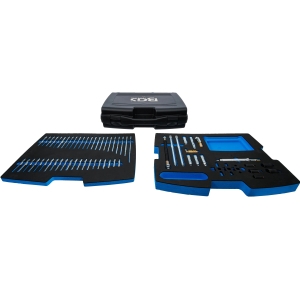
Petrol and Diesel Compression Adapter Set for Digital Tester, item no. 63410
Price: €945.00Available • 5–10 Days Delivery
-
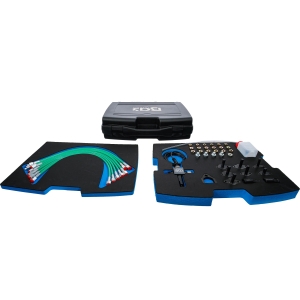
Common Rail High-Pressure Test Kit for Digital Tester, item no. 63410
Price: €1,395.00Available • 5–10 Days Delivery
-
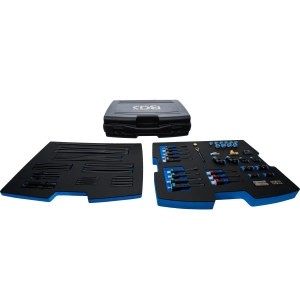
Adapter and Test Line Kit for Digital Pressure and Compression Tester, item no. 63410
Price: €695.00Available • 5–10 Days Delivery